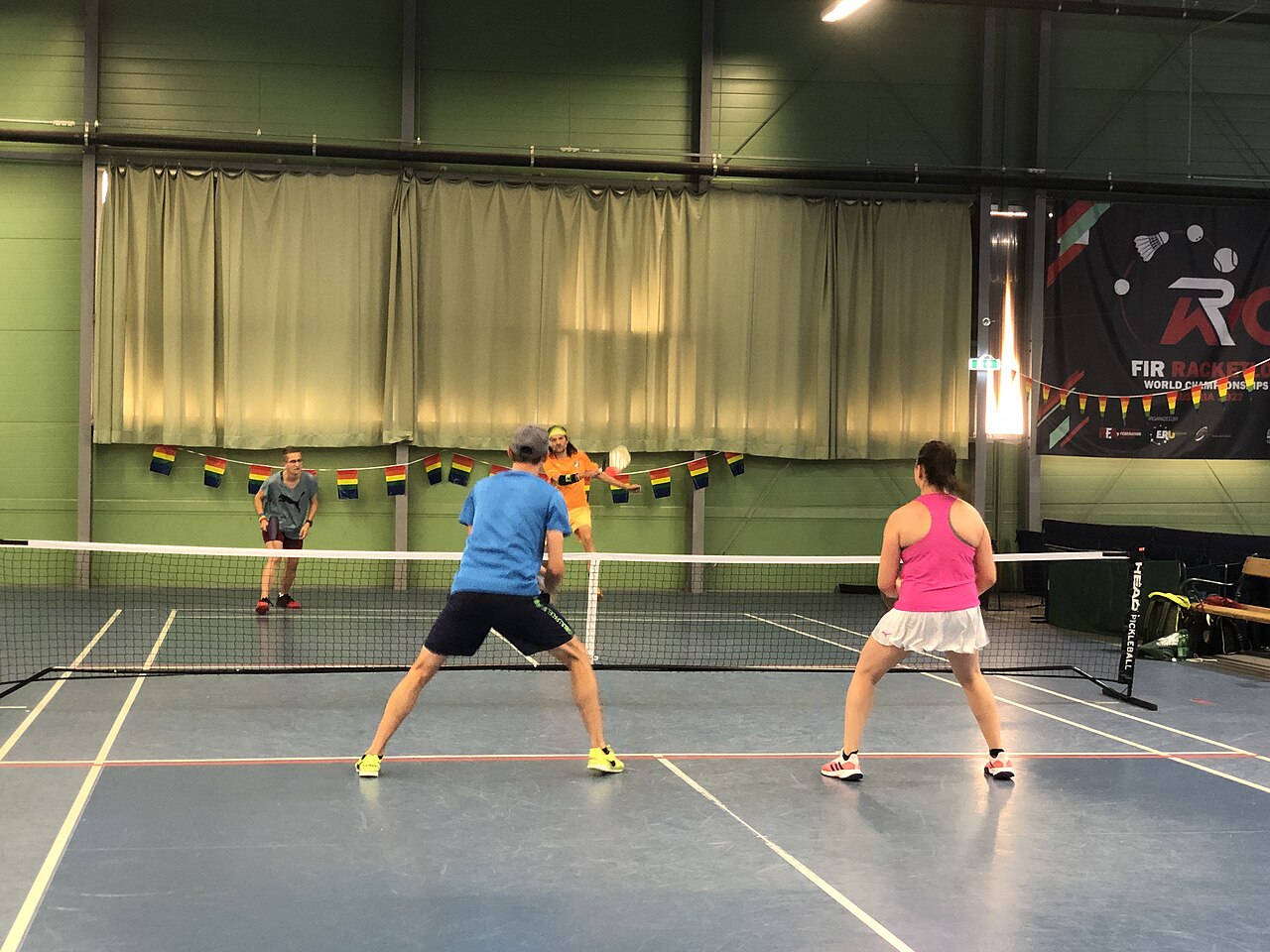
Why Livestream Your Matches?
Livestreaming your pickleball matches is a game changer! It allows you to:
- Share your skills with friends, family, and fans.
- Analyze your gameplay for improvement.
- Engage with the pickleball community.
Ready to get started? Let’s dive into the essentials!
Equipment You’ll Need
To successfully livestream, invest in the right gear. Here’s what you should consider:
1. Camera
- Quality: Look for a camera with at least 1080p resolution.
- Mounting Options: Ensure it can be mounted on a tripod or other supports.
- Portability: Lightweight cameras are easier to transport.
2. Microphone
- External Mic: A good external microphone enhances audio quality significantly.
- Types: Consider a lapel mic for players or a shotgun mic for capturing game sounds.
3. Streaming Device
- Smartphone or Tablet: Great for beginners. Use apps like Facebook Live or YouTube.
- Streaming Encoder: For advanced setups, devices like the Elgato Stream Deck can manage multiple sources.
4. Internet Connection
- Wi-Fi: A strong Wi-Fi connection is crucial. Test speeds before streaming.
- Mobile Data: As a backup, ensure your mobile plan can handle livestreaming.
Setting Up Your Livestream
1. Choose Your Platform
Decide where you want to broadcast:
– YouTube Live: Great for reach and video quality.
– Facebook Live: Ideal for engaging with friends.
– Twitch: Popular among gamers, but also growing in sports.
2. Create a Streaming Setup
- Location: Find a spot with good lighting and a clear view of the court.
- Camera Angle: Position the camera to cover the action without obstruction.
3. Test Your Equipment
- Do a test run before the actual match.
- Check audio and video quality.
- Make adjustments as needed.
Going Live!
1. Announce Your Stream
- Use social media to let your followers know when you’ll be going live.
- Create excitement with teasers!
2. Engage Your Audience
- Interact: Respond to comments while streaming.
- Invite Questions: Encourage viewers to ask about your strategies or gameplay.
3. Monitor Your Stream
- Keep an eye on the chat for issues or feedback.
- Adjust camera angles or audio settings if necessary.
Post-Match Tips
1. Review the Footage
- Analyze your performance.
- Identify areas for improvement.
2. Share Highlights
- Create short clips of the best moments and share them on social media.
- This keeps your audience engaged and excited for your next match!
3. Gather Feedback
- Ask your viewers what they liked and what can be improved for future streams.
- Use this feedback to enhance your next livestream.
Ready to upgrade your game?
Browse top-rated pickleball gear with free delivery on eligible orders.
📚 Related Articles
Frequently Asked Questions
Q: Do I need professional equipment to livestream?
A: No! You can start with a smartphone and improve as you go.Q: How can I improve my video quality?
A: Use a good camera, ensure proper lighting, and check your internet connection.Q: What’s the best platform for streaming?
A: It depends on your audience. YouTube and Facebook are popular choices.Q: Can I livestream indoor matches?
A: Yes! Just ensure you have enough lighting and a good camera angle.Q: How do I promote my livestream?
A: Use social media, email newsletters, and word of mouth to build anticipation.
Ready to take your pickleball game to the next level? Grab that camera, set up your stream, and let’s see your skills shine on the court! Happy streaming!